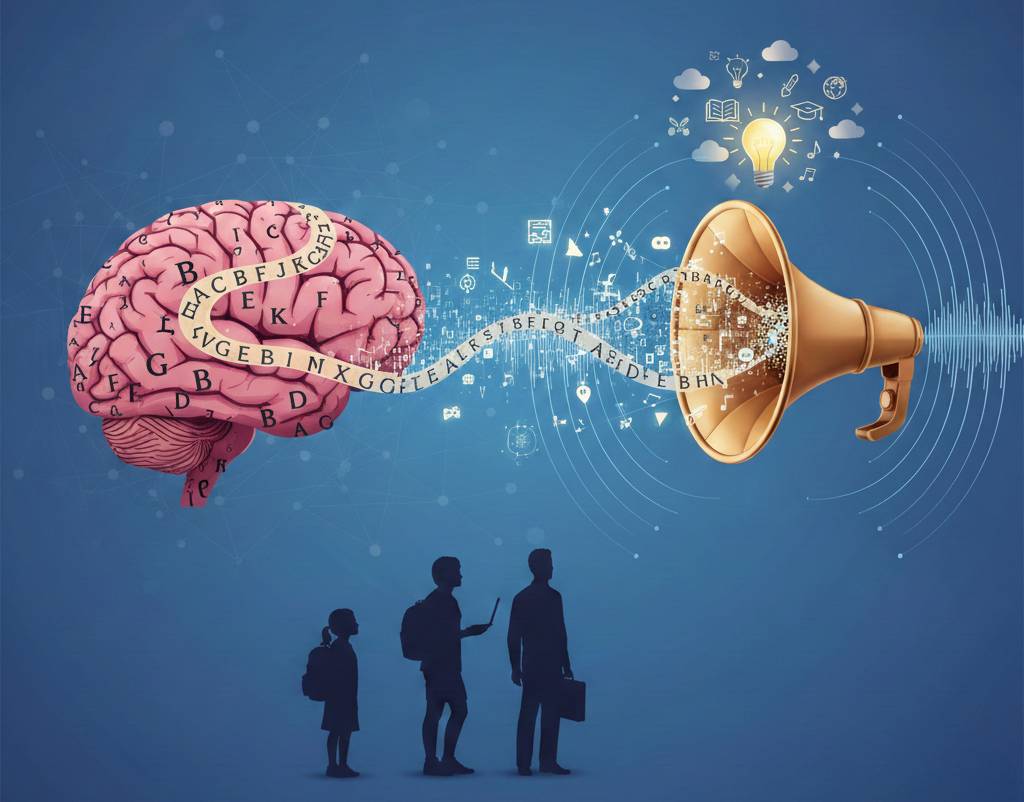
Hey friends! Imagine opening a book or textbook where letters dance, words blur into mush, and simple reading becomes a nightmare. Sound familiar? That's dyslexia — not laziness, but a brain wiring difference affecting millions. The brain excels at conversations, catching nuances effortlessly, but visual text? Total overload, exhaustion, lost focus.
It's brutal in school or work: smart people lag because decoding letters steals all energy. But here's the game-changer — text-to-speech (TTS) turns static text into living audio. From Reddit's r/Dyslexia, I've seen stories where TTS saved education and careers. Let's explore how it works, from natural voices to practical setup.
Why Dyslexia Blocks Reading — and How TTS Bypasses It
For dyslexics, the brain is a supercomputer for audio but glitches on visuals: "b or d? Does this word exist?" Long texts drain energy fast. TTS skips the struggle — it reads aloud like a podcast, letting the brain grasp meaning naturally.
Key TTS features that help dyslexics:
- Natural voices with intonation: Almost human-like, with emphasis and pauses at commas/exclamations. Hear the emotion, not robotic drone.
- Adjustable speed: Slower for complex sentences, faster for easy parts — no overload.
- Combined with apps: Advanced features like word highlighting or OCR (in specialized tools) pair perfectly with high-quality neural voices for seamless learning.
Real story from Reddit: A med student battled anatomy texts until TTS made lectures click. "Finally understand without copying errors!" My test with a friend: Hated a legal contract — TTS read it once, crystal clear.
TTS Services for Dyslexics: My Comparison Tests
While premium engines like ElevenLabs deliver top quality, we at Voicertool offer a completely free alternative with 300+ neural voices across 70+ languages. No daily limits, perfect for long textbooks or articles — just paste text and listen.
| TTS Service | Naturalness | Features for Dyslexics | Price |
|---|---|---|---|
| ElevenLabs | Human-like | Neural voices, custom speed/pauses | Paid ($5+/mo) |
| Azure | High | App integration, variable speed | Paid (enterprise) |
| Google TTS | Good | Quick start, basic speed control | Free tier limited |
| Voicertool | Neural AI | 300+ voices, unlimited free use, perfect for textbooks | FREE (Unlimited daily use) |
Step-by-Step: Start Using TTS Today
Super simple to begin — no tech skills needed.
- Choose a service: Free ones like Voicertool for unlimited access.
- Test run: Paste short textbook excerpt at slow speed.
- Enhance: Highlight key terms in color while listening.
- Review: Ask "What stuck best?"
- Daily habit: Listen on commutes or breaks.
- For parents/teachers: Request TTS accommodations in IEPs.
Common glitches like accent slips get fixed in updates — persistence pays off.
Try Voicertool free now: Paste any text at voicertool.com → select natural voice → download MP3. Experience dyslexia-friendly reading instantly!
TTS: Bridge to Equal Learning
TTS levels the playing field — restoring confidence for students acing exams and pros advancing careers. It's not a crutch; it's access. From chaos to clarity, one voice at a time. Got dyslexia? Start today — the difference is life-changing.