January 2026 | Written by Voicertool Editorial Team
I often get questions about how to make AI voices sound less robotic. In this guide, I'll share my experience with setting up Voicertool to help you create professional-quality voiceovers completely for free. The tool uses an advanced AI library for realistic human voices — no registration, limits, or watermarks required. Just paste your text (up to 5000 characters), select a voice, and download MP3 instantly.
Perfect for YouTubers, podcasters, students, and SMM specialists. You'll find exact steps, pause secrets, and proven use cases here.
Technology Behind Voicertool
Unlike old robotic TTS tools, Voicertool leverages neural AI voices that mimic natural speech:
- Natural breathing
- Emotional intonation
- Contextual pauses
- Regional accents
Step-by-Step Guide: 6 Simple Steps
Here's the exact process from text to audio file.
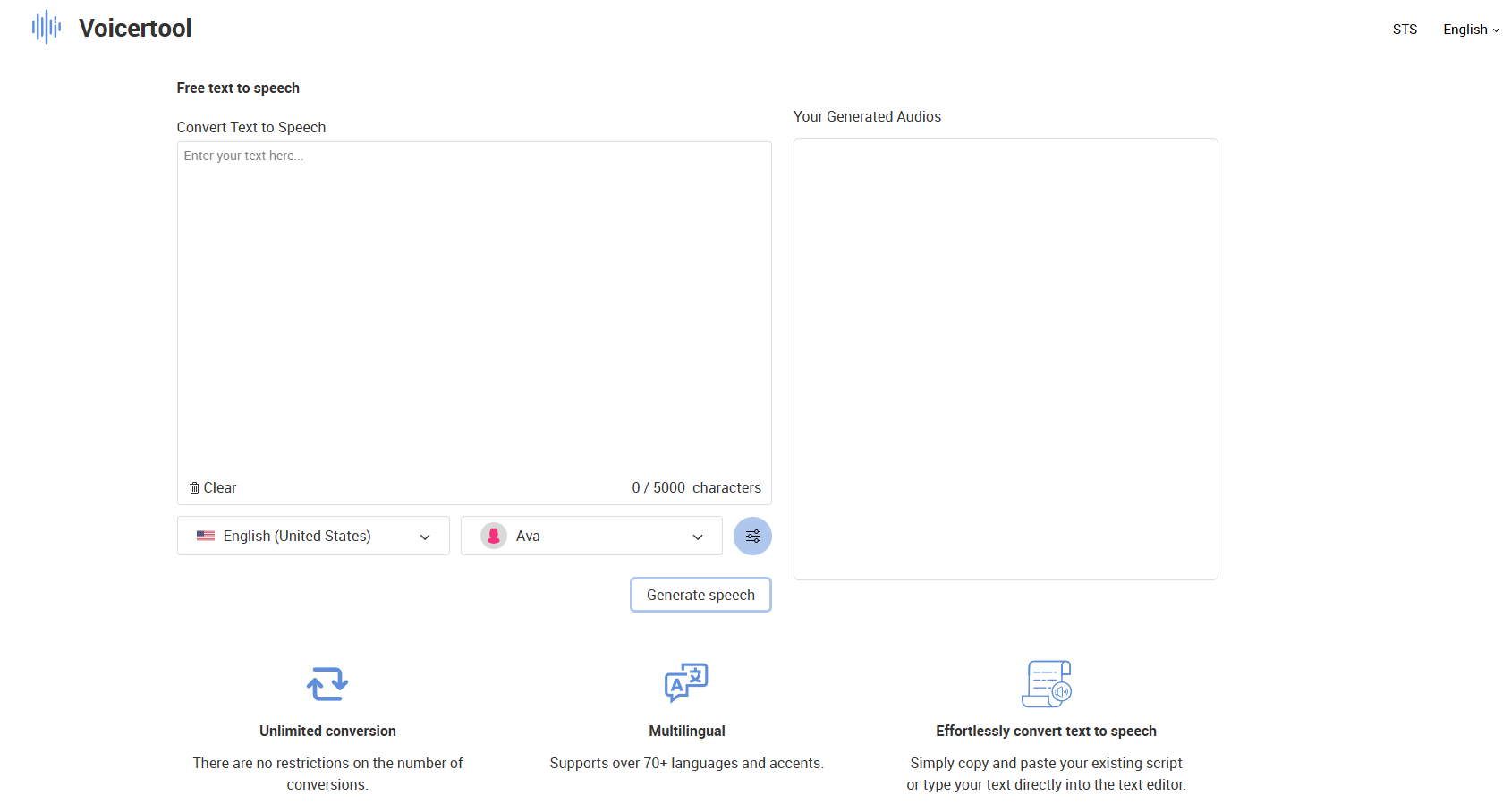
Step 1: Enter Text
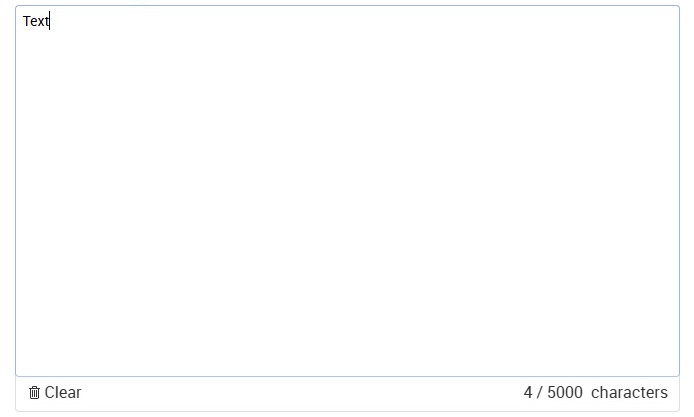
Find the large text field (up to 5000 characters, ~1000 words). Paste a YouTube script, blog post, or study notes.
Step 2: Select Language and Voice
Choose from 300+ voices in 70+ languages. Click the Play icon next to a voice for preview (test 3–5 options). Female voices work great for tutorials; male voices suit documentaries.

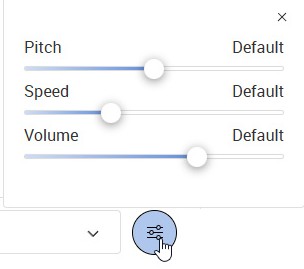
Step 3: Adjust Settings (If Needed)
Tune pitch (tone), speed, or volume for perfect sound.
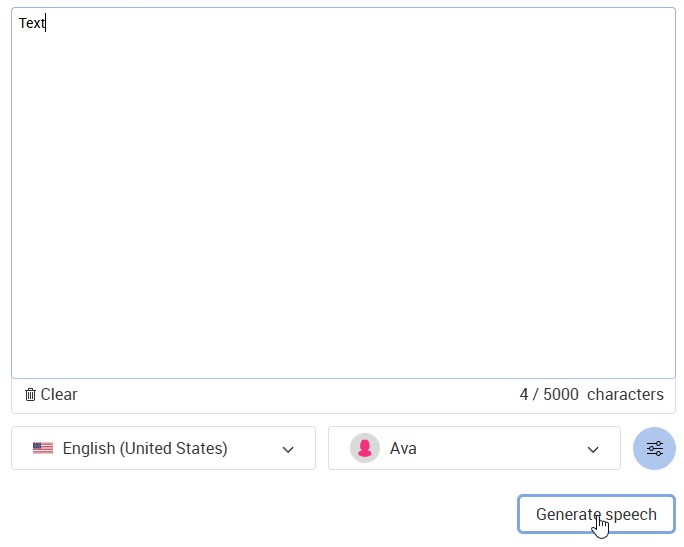
Step 4: Click "Generate speech"
Wait until the audio is generated.
Step 5: Wait for Audio Generation
Track progress — audio is ready in moments.
Step 6: Click Play to Listen
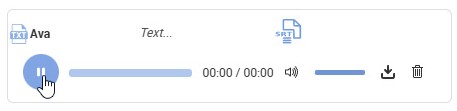
- Listen in-browser.
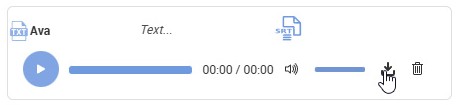
- Download audio as MP3 (pro quality).
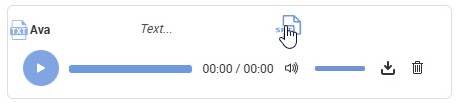
- Download subtitles as SRT (for video or accessibility).
Pause Mastery: Official Method
Use punctuation for natural pauses:
- , — short: "Hello, welcome..."
- ; — medium: "Simple setup; great quality"
- ! — long: "Download MP3 now!"
Pro examples:
- "Welcome to Voicertool; the best free TTS!"
- "Quick setup, amazing voices; download instantly!"
Voicertool Specs
| Feature | Details |
|---|---|
| Voices | 300+ premium |
| Languages | 70+ global |
| Characters | 5000 |
| Limits | None (No daily limits on generated files) |
| Formats | MP3 + SRT subtitles |
| Quality | No watermarks |
10 Pro Formatting Tips
- 15–20 words per sentence for natural flow.
- , after "today", "here", "welcome".
- ; between related ideas.
- ! for excitement.
- Avoid complex punctuation.
- Phonetics: "iPhone" → "eye fone".
- Numbers as words: "twenty twenty-six".
- Paragraph breaks = breathing room.
- Test voices with Play first.
- Save MP3s with descriptive names (e.g., "youtube_intro_en.mp3").
Why Voicertool Beats Competitors
| Feature | Voicertool | Common Paid Services (e.g. ElevenLabs, Murf.ai) | Best for |
|---|---|---|---|
| Voices | 300+ | 50–100 | Free voice testing |
| Languages | 70+ | 20–40 | Multilingual content |
| Characters | 5000 | 1000–3000 | Long scripts |
| Price | Free | $5–99/month | Beginners & students |
| Pauses (, ; !) | Built-in | Premium feature | Quick editing |
5 Proven Use Cases
- YouTube Voiceover: If you're creating a faceless YouTube channel, Voicertool + CapCut is perfect. Tip: Choose 'Ava' or 'Alvaro' voices for dynamic videos — they convey maximum emotion. One YouTuber friend generates intros in 60 seconds and monetizes easily.
- Podcasts: Turn blog posts into episodes. Tip: Switch voices for intro/guest (female for intro, male for stories) — listeners love the natural flow.
- TikTok/Reels: For 15-second energetic stories. Tip: Add ! for drive, speed +10% — one reel with this voice hit 1M views in CapCut.
- Language Learning: Practice native pronunciation with slow speed + clear pauses. Tip: Use British accents for English — great for Duolingo supplements, as I tested.
- Accessibility: Read-aloud for visually impaired. Tip: Generate SRT subtitles + clear voices — ideal for blogs/apps needing precision.
Try Now: Visit Text-to-Speech → paste text → "Generate speech" → download MP3 + SRT!
FAQ for This Guide
Can I use these files for YouTube monetization?
Yes, watermark-free MP3s are yours to use. Many YouTubers monetize faceless channels with Voicertool. Full commercial licensing included.
How do I change word emphasis?
Use phonetics: Write "iPhone" as "eye fone". Test with Play for accuracy.
Is there a daily generation limit?
No daily limits — generate as much as you need, completely free with no registration.